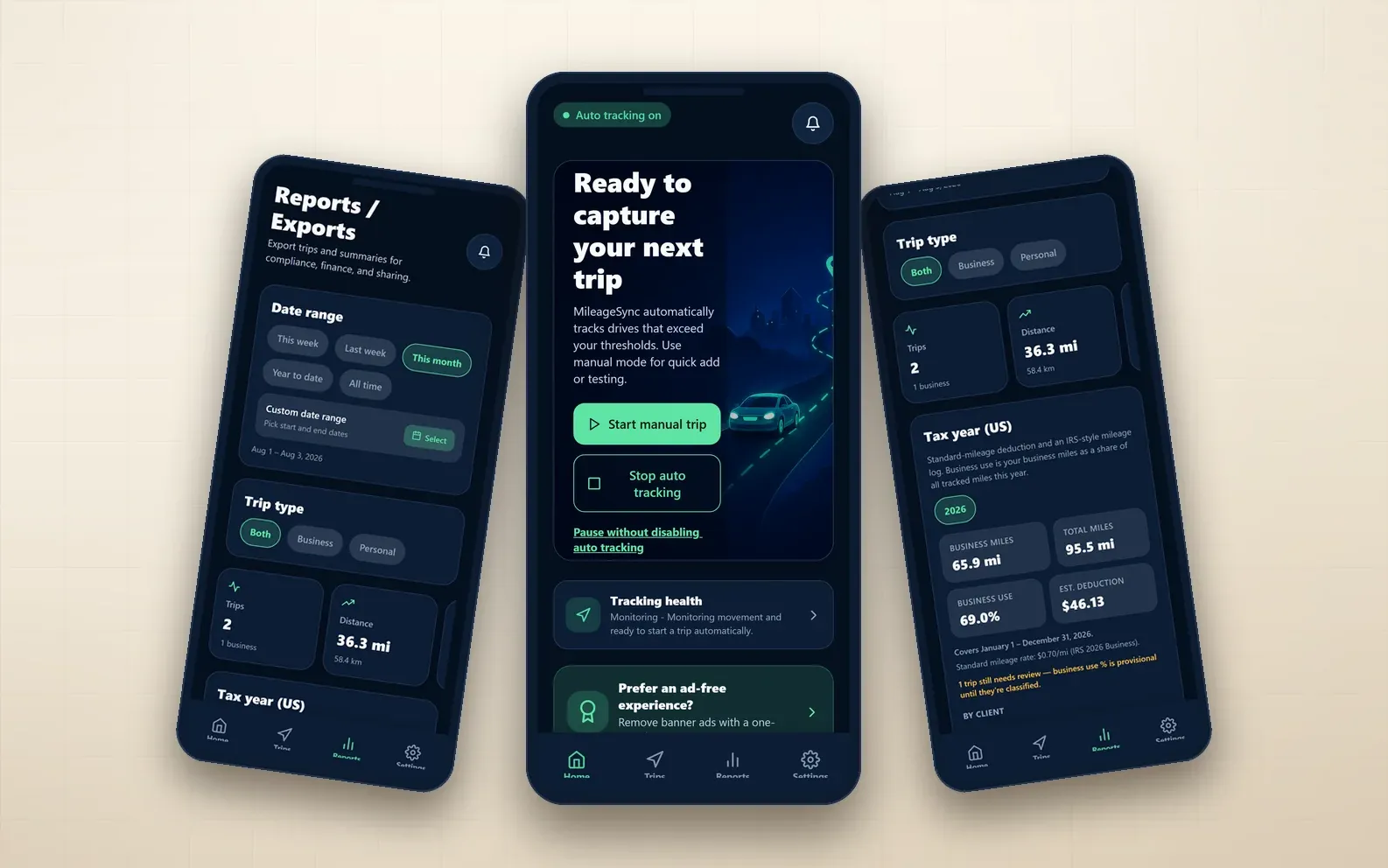
MileageSync
A hands-free mileage logger that detects drives in the background and turns them into IRS-ready deductions, with every GPS point kept on the device.
In development — store listings in progress
- React Native
- Expo
- TypeScript
- SQLite
- +4 more
Workflow automation and integrations
Connect the tools you already pay for, and let the handoffs happen without someone remembering to do them.
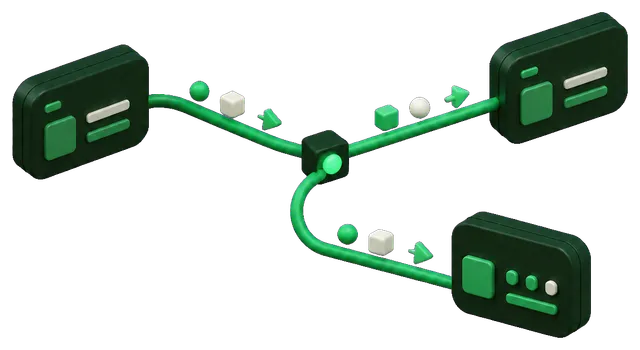
The work is not the problem — the handoffs are. A booking arrives in one system, gets copied into a calendar, then into an invoice, then into a spreadsheet someone built four years ago. Every copy is a chance to introduce an error, and the whole chain stops the day the person who knows it is on holiday.
We trace one workflow end to end and find the points where a human is acting as an integration. Those become automated handoffs with real error handling — because an automation that fails silently is worse than the manual step it replaced. Anything automated reports when it did not run.
The cheapest automation is usually not the most impressive one. It is the handoff that happens twenty times a day and takes ninety seconds.
Discovery counts those before proposing anything, because the ranking is frequently a surprise.
From real projects
Each of these is drawn from a case study on this site, not from a hypothetical.
Case studies
A hands-free mileage logger that detects drives in the background and turns them into IRS-ready deductions, with every GPS point kept on the device.
In development — store listings in progress
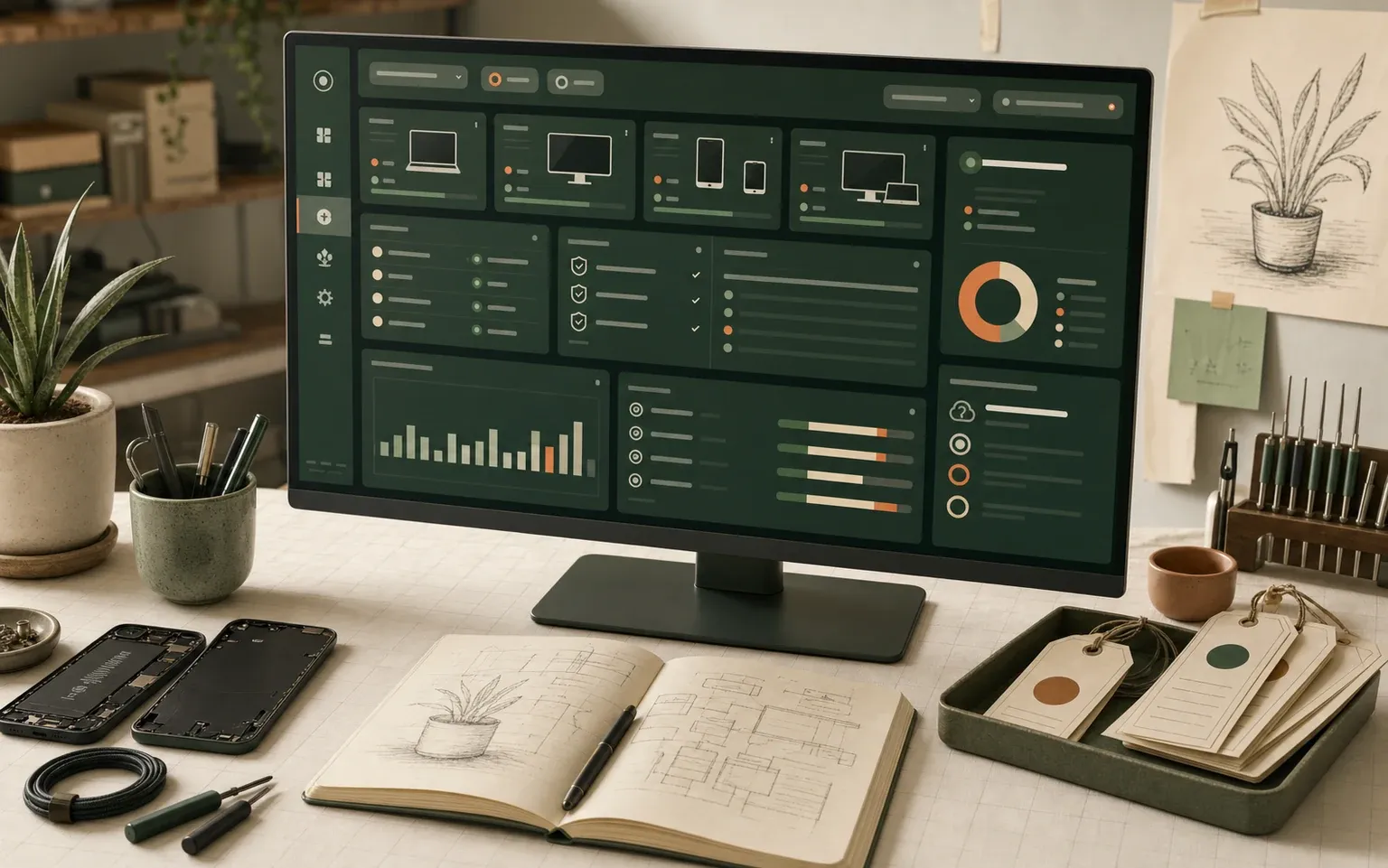
A service-operations dashboard bringing IT assets, vendor contracts, backup checks, and service performance into one view instead of six spreadsheets.
Self-directed concept build — modelled data, not a live client system
Often, yes, and we will recommend it when it fits. Custom integration earns its cost when the logic is conditional, the volume makes per-task pricing expensive, or a failure needs handling more careful than a retry.
It tells you. Every automated step reports success and failure, and anything that fails repeatedly raises an alert rather than quietly stopping. Silent failure is the main risk with automation and it is designed against from the start.
In practice it usually removes the copying, not the people. The judgement calls stay human — those are the parts worth paying a person for.
Integrations are built so the connection to each external system is isolated. Swapping one tool means changing that piece, not rewriting the workflow.
Related
Start with a discovery call. It costs nothing to find out whether this is the right shape of work for your situation.
Prefer email? Contact@DeviceBytes.com